
Create your profile
Sign up and add emergency contacts plus the details first responders should see.
Instant phone protection
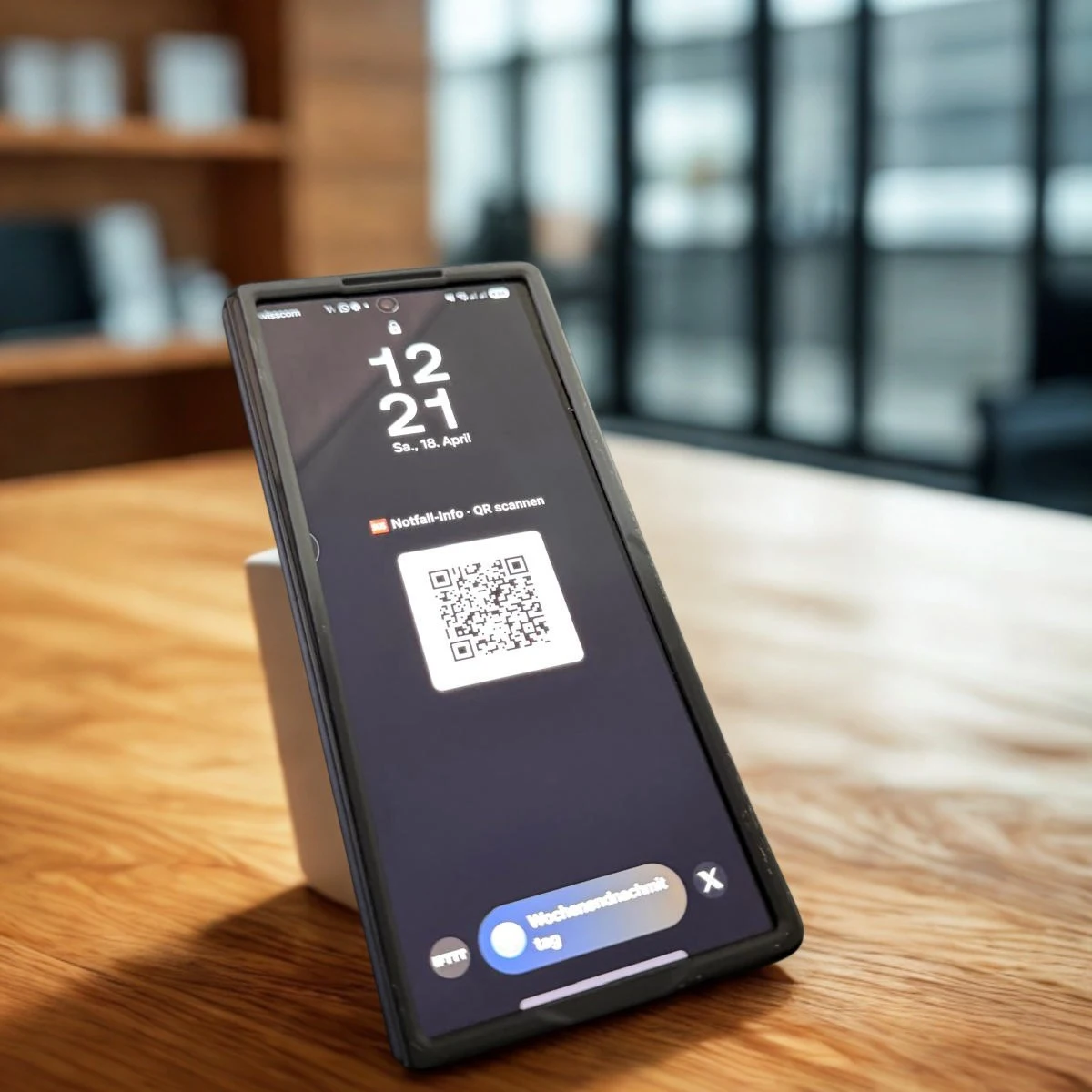
Create a portrait QR wallpaper in the dashboard. Key details often visible without a PIN — same profile as your wristband or card.
Why it matters
In an emergency the person often cannot speak. The phone is nearby — but locked. Apple Medical ID and Android emergency info help only if helpers find the emergency menu. A visible wallpaper with a QR is obvious: anyone scans with their own camera and opens your Scan2Help.me profile.
Setup
Sign up and add emergency contacts plus the details first responders should see.
Pick your phone format in the dashboard. We place the QR in the safe zone so the clock and notifications are far less likely to cover it.
Save the image and set it as your lock-screen wallpaper. Done — no waiting for delivery.
Compare
Three approaches — complementary, not interchangeable. Here’s how to combine them.
| Criterion | Scan2Help.me wallpaper | Apple / Google Medical ID | ADAC emergency pass |
|---|---|---|---|
| Visible without PIN? | Yes — image on the lock screen | Via emergency menu (must be known) | Usually after unlock (Wallet) |
| What helpers need | Their own phone camera | Operate the victim’s device | Rescue software / Wallet QR |
| Keep data current | Online profile; QR stays the same | Locally in settings | Via ADAC account / Wallet |
| Fits QR wristband/card | Yes — same Scan2Help.me profile | Separate from wearables | Own ecosystem |
Tip: use wallpaper + OS Medical ID together. ADAC is valuable in the DE rescue chain — it does not replace a visible lock-screen image.
Hybrid
The wallpaper protects you from minute one. A wristband, tag, or emergency card helps when the phone is out of reach — same emergency profile.
Your phone is almost always with you. The wallpaper is instant digital backup alongside a wristband, tag, or card.
Create your emergency profile and generate your lock-screen wallpaper in the dashboard.
Create profile